Browse
Styles.
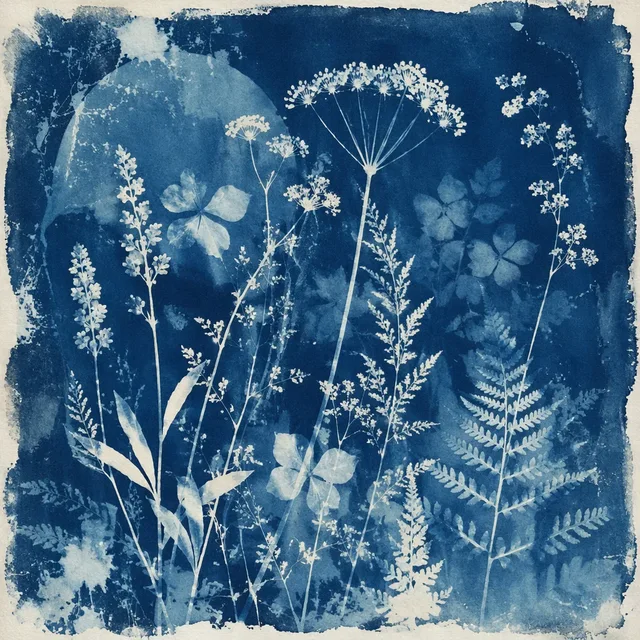
The curated Foliopress style library. Every style here is a reusable visual system with its own generated preview artwork. Open any style for details and a free JSON download. The desktop app ships with nine built-in styles; you can import more from here.
In The Library
202
Ships Free With The App
Nine Styles
Plus No Style
Showing 201–202 of 202 styles
Page 11 of 11

The App Is Free.
So Is The Library.
The App
Free.
- Nine built-in styles, plus No Style
- Bring your own OpenAI, Gemini, or OpenAI-compatible key
- Create and edit your own styles locally
- Export your library as portable JSON
- No account, no telemetry, no cloud sync
The Style Library
Curated.
- Everything in the free app
- The full published curated library
- Download individual styles as portable JSON with preview artwork
- Free downloads, with no plan or account required
Download. Import. Own.
Browse The Library
Pick the styles that fit the work you are making. Every one carries its own generated preview artwork.
Download The Style
Open a style to see its details and download a free portable JSON export with its preview artwork.
Import Into The App
They live in your local style library exactly like the built-in nine. Yours, on your machine, offline.
Your library. Your machine.
Make it your own.
Download any published style for free, import it into Foliopress, and adapt it to the work you make.